How do I find my UBI number on the Company Management Portal?
Your Unique Business Identifier (UBI) number is prominently displayed on the Company Management Portal for easy reference. To locate it, simply login to your account, and you will find the UBI number on the main dashboard.
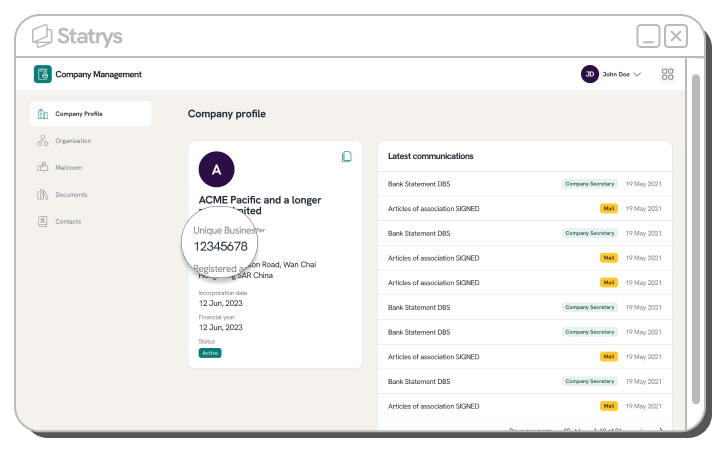
Alternatively, you can download the Company Registration (CR) document, which includes your UBI number, from the 'mailroom' section of the portal. This document provides a comprehensive record of your company's registration details, including the UBI.