How can I add a payee on the Mobile App?
Follow these steps to add a payee on your Mobile App:
1. Launch the Statrys Mobile App and log in.
2. Navigate to the "Payees" tab.
3. Tap on the "Add a payee" button, usually located at the top or bottom of the payee list.
4. Fill in the necessary details for your new payee, such as their name, account number, and any other required information.
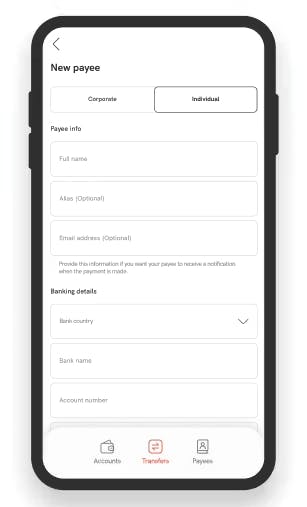
5. Review the details, then tap "Continue".
6. Add the OTP.
7. Your payee was successfully added.