Key Takeaways
To open a virtual IBAN account online, choose a provider that accepts your jurisdiction, complete the online application, and request virtual IBANs once your account is approved.
Not all providers offer virtual IBANs the same way; some issue a dedicated IBAN in your business name, others route payments through a pooled collection account.
Before you apply, check eligibility, supported receiving currencies, fees, and how your funds are protected.
If your business receives payments from clients in different countries, keeping track of incoming transfers can become more complicated than it needs to be. You may end up using multiple account details, chasing payment references, or spending extra time matching transfers to the right client or invoice.
A virtual IBAN can help simplify that process.
A virtual IBAN is an extra IBAN linked to your main account. It lets you receive payments for different clients, currencies, or markets without opening a new account each time. If your clients are based in Europe, parts of Asia, or the Middle East, they are likely already paying via IBAN.
In this guide, we will explain how to open a virtual IBAN account online, what documents you may need, how it works in practice, and what to check before choosing a provider.

New to IBANs? Our guide explains what an IBAN is and why it matters in international payments.
7 Steps to Open a Virtual IBAN Account Online
In most cases, opening a virtual IBAN account online means applying for a business account or payment account first. Once the account is approved, you can then request one or more virtual IBANs if the provider supports them.
The exact process varies by provider, but it usually follows the steps below.
Step 1: Decide Which Account Type You Need
Virtual IBANs are usually offered through business accounts, not standard personal accounts. So if you want this feature, a business account will often be the better option, especially if you invoice clients or receive payments under a company name.
➡️ A business account is usually the right fit if:
- you run a registered company
- you want to receive payments in your business name
- you want to keep business and personal finances separate
- you manage payments across multiple clients, markets, or teams
➡️ A personal account works if you are a freelancer or sole trader receiving payments in your own name. Just keep in mind that as your business grows, mixing personal and business finances can complicate your tax reporting and make cash flow harder to manage.
Step 2: Check Your Eligibility
Before comparing providers, make sure you actually qualify. Most providers will assess you based on:
- your country of incorporation or residence
- your business type, such as a limited company, sole trader, or freelancer
- the nationality or residence of your directors or major shareholders, if relevant
Step 3: Choose the Right Provider
Start by comparing the basics that the provider offers first:
- whether virtual IBANs are included by default or need to be requested separately after account opening
- which currencies and payment routes are supported
- how customer funds are safeguarded or protected
- whether the provider is a bank or a licensed payment institution
- whether you can assign virtual IBANs by client, currency, or market
Not all providers offer virtual IBANs in the same way.
Some will give you a true virtual IBAN, a unique IBAN in your business name that accepts SEPA and SWIFT payments. Others give you a local receiving account with domestic payment details, such as a sort code in the UK or a BSB number in Australia. These work within a single country's payment network but are not IBANs.
Some providers use the terms interchangeably, so confirm which one you are actually getting before you apply.
Step 4: Gather Your Documents
Document requirements vary by provider, but most will ask for identity, address, and business details as part of their checks.
For a business account, you’ll usually need:
- proof of identity for directors and significant owners (UBO)
- certificate of incorporation or business registration documents
- proof of business address, if applicable
- documents showing ownership and control, such as a shareholder register or constitutional documents
- a short description of your business activities
- expected transaction volume or payment flows
Newer businesses or those in higher-risk industries are often asked to provide additional documents such as invoices, contracts, or website details.
For a personal account, you’ll usually need:
- a government-issued photo ID
- a selfie or live identity check
- proof of address
- tax or business registration details, if relevant

Important: If someone else is submitting the application for your business, the provider may ask for proof that they are authorised to act on the company’s behalf.
Step 5: Submit Your Application Online
Once your documents are ready, complete the provider’s online application form and upload the required files.
Take a moment to review everything before you submit. Your application is more likely to move smoothly if your details are complete, readable, and consistent across the form and supporting documents.
Step 6: Verify Your Identity and Receive Approval
After submitting your application, the provider will usually ask you to complete an identity check. This may involve a selfie, video verification, mobile confirmation, or additional business checks.
Review times vary. Straightforward applications may be approved within a few business days, while applications involving more complex ownership structures, higher-risk industries, or missing documents can take longer.
Step 7: Request or Activate Your Virtual IBAN
Once your account is approved, check whether virtual IBANs are included by default or need to be requested separately. With some providers, a virtual IBAN is assigned to your account automatically. With others, you will need to request one through the dashboard.
How to Use Virtual IBANs in Practice
Once your account is active, here is how you can put virtual IBANs to work:
- Assign a unique virtual IBAN to each client, market, or currency you want to track separately.
- Track incoming payments by IBAN. Each payment arrives already labelled by source, no manual matching needed.
- Reconcile at month-end by pulling a report by virtual IBAN instead of sorting through individual transfers.
💡 A real-world example:
A consultancy billing clients in Germany, France, and the Netherlands assigns a separate virtual IBAN to each client. When a client pays, the money lands in the main account already showing which client it came from, because each client has a unique virtual IBAN. At month-end, the consultancy can see exactly which client paid what without manually matching individual transfers.
Virtual IBAN Providers to Consider
Virtual IBAN providers vary in which jurisdictions they serve, which currencies they support for receiving, and how they structure their accounts. Not all of them offer a true virtual IBAN — some provide local receiving accounts or pooled collection setups instead.
Here are a few options to review.
| Provider | Availability | Supported currencies | Who it suits |
|---|---|---|---|
| Wise Business | Global, with restrictions in some markets | 40+ currencies (USD, EUR, GBP, AUD, CAD, SGD, HKD, JPY, and more) | SMEs and startups that prioritise wide currency support and straightforward international payments over market-specific onboarding support |
| Revolut Business | UK, EU, US, and selected other markets | 25+ currencies (USD, EUR, GBP, AUD, CAD, JPY, SGD, HKD, and more) | Growing businesses that want multi-currency accounts combined with cards, expense controls, and team spend management in one platform |
| Bunq Business | EU | 22 currencies (USD, GBP, JPY, CHF, AUD, CAD, NZD, and more) | EU-based businesses that want a digital business account with local market access and a more app-led banking experience |
(Provider data current as of March 2026. Sourced from official provider websites.)
Before you apply, check that you are eligible, confirm which currencies are supported for receiving (not just holding), and understand what protections apply to your funds.
Final note
If you receive payments from clients across different markets, a virtual IBAN setup gives you a cleaner way to organise incoming funds without opening separate accounts in each country. What matters most is finding a provider that supports the currencies you need, accepts your business structure, and operates well in the markets where your clients are based.
📌 If your priority is simply to send and receive EUR or other major currencies
Virtual IBANs are primarily a European payment infrastructure. If that's not your main use case, and you simply want a business account to send and receive EUR and other currencies, a multi-currency account may be all you need.
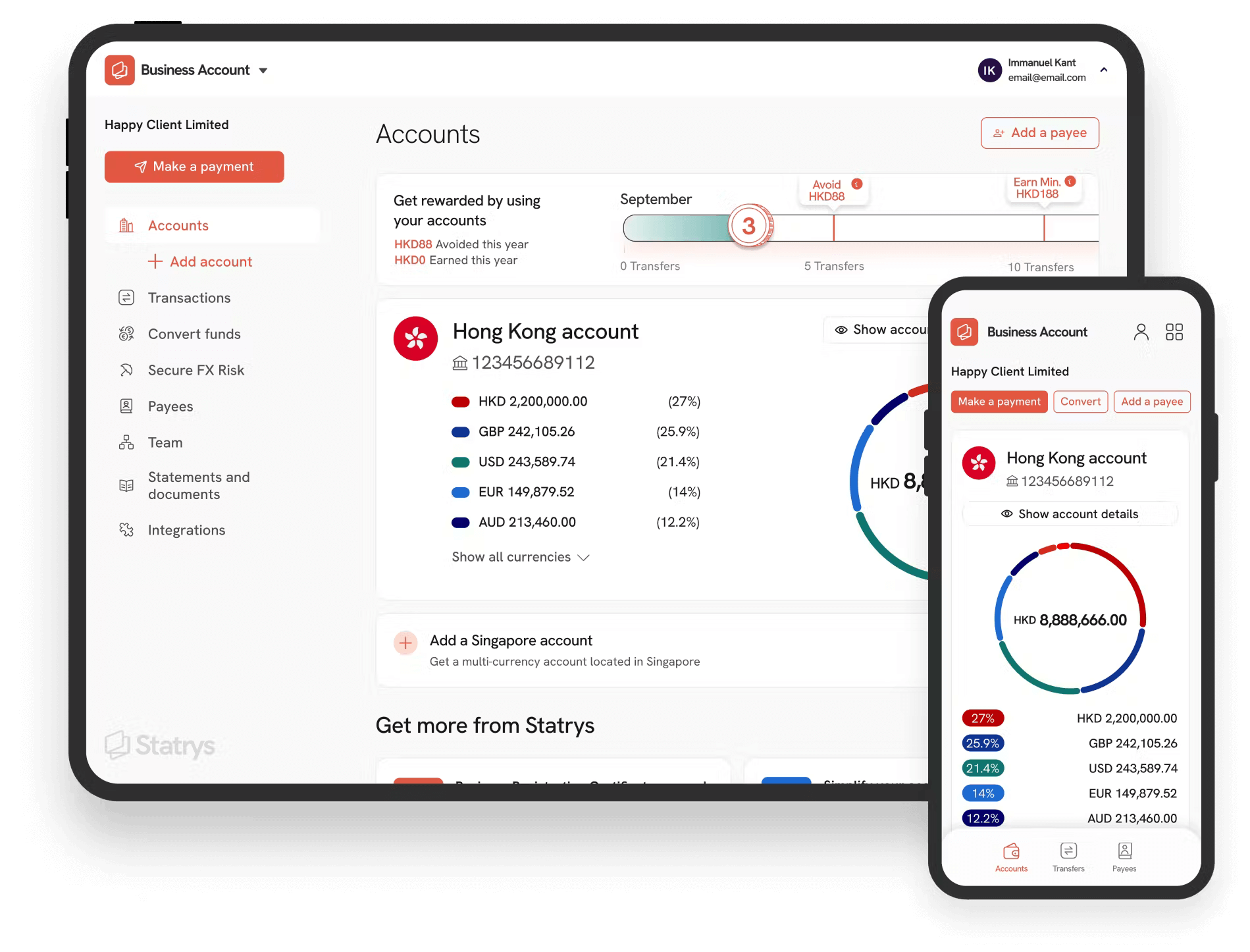
Statrys offers a business account designed for HK- and SG-incorporated businesses — to hold and receive payments in 11 major currencies from a single account, get competitive FX, and a personalised customer support

FAQs
How do I open a virtual IBAN account online?
In most cases, you do not apply for a virtual IBAN on its own. You usually open a business account or payment account first, complete the provider’s identity and business checks, and then request one or more virtual IBANs if the product includes them. The exact process depends on the provider, but it is often completed fully online.